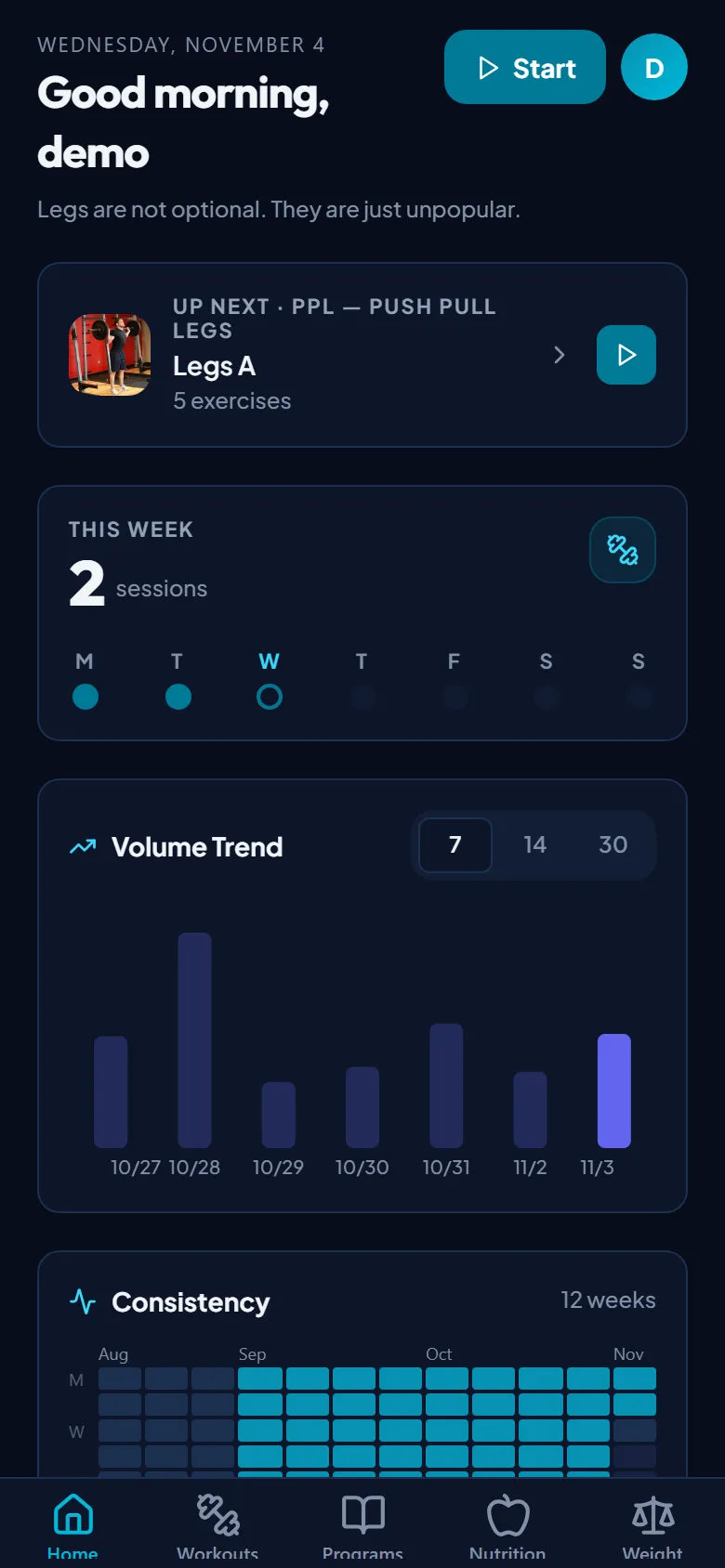
01 · Plan
Train from a program, not a blank page
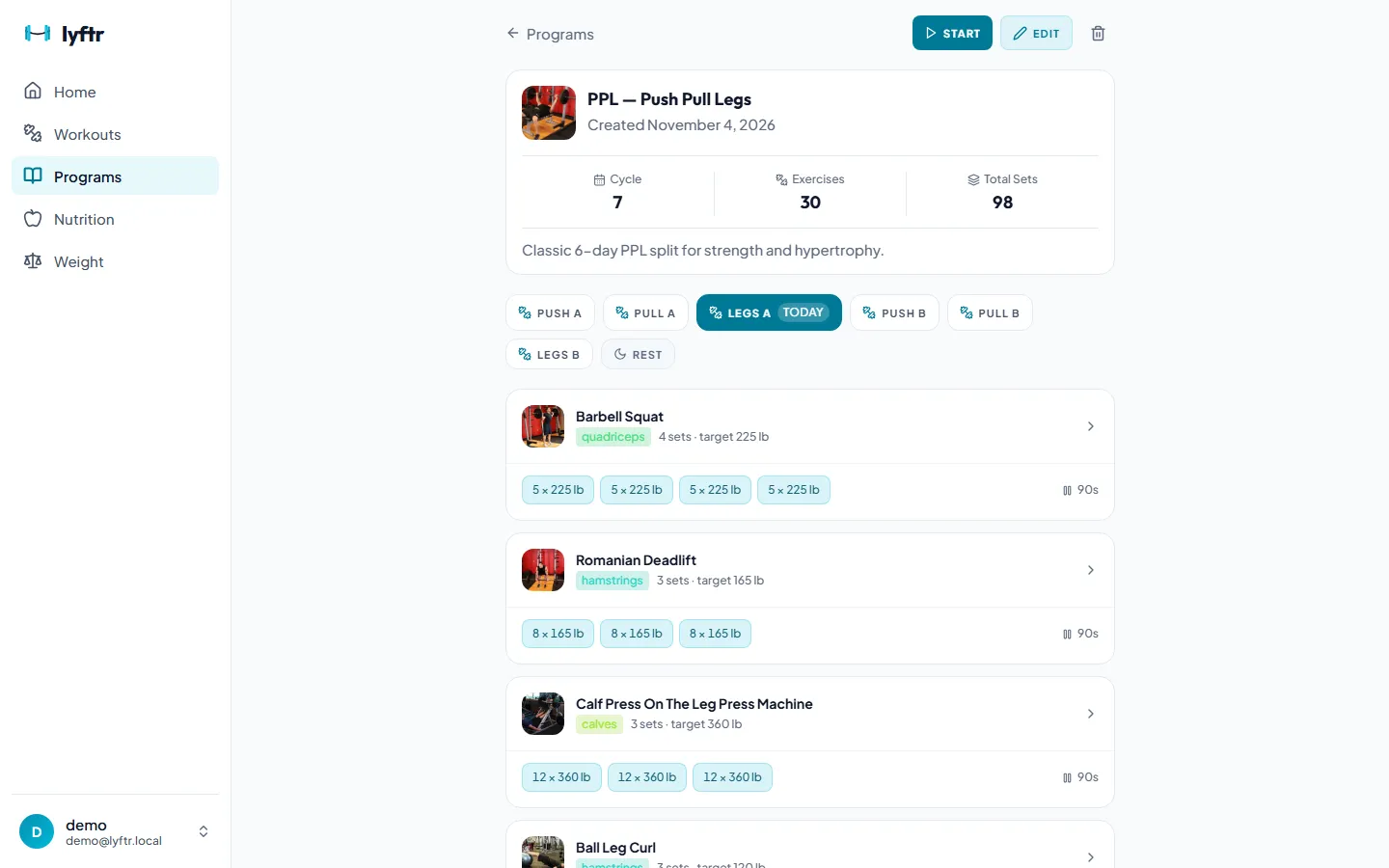
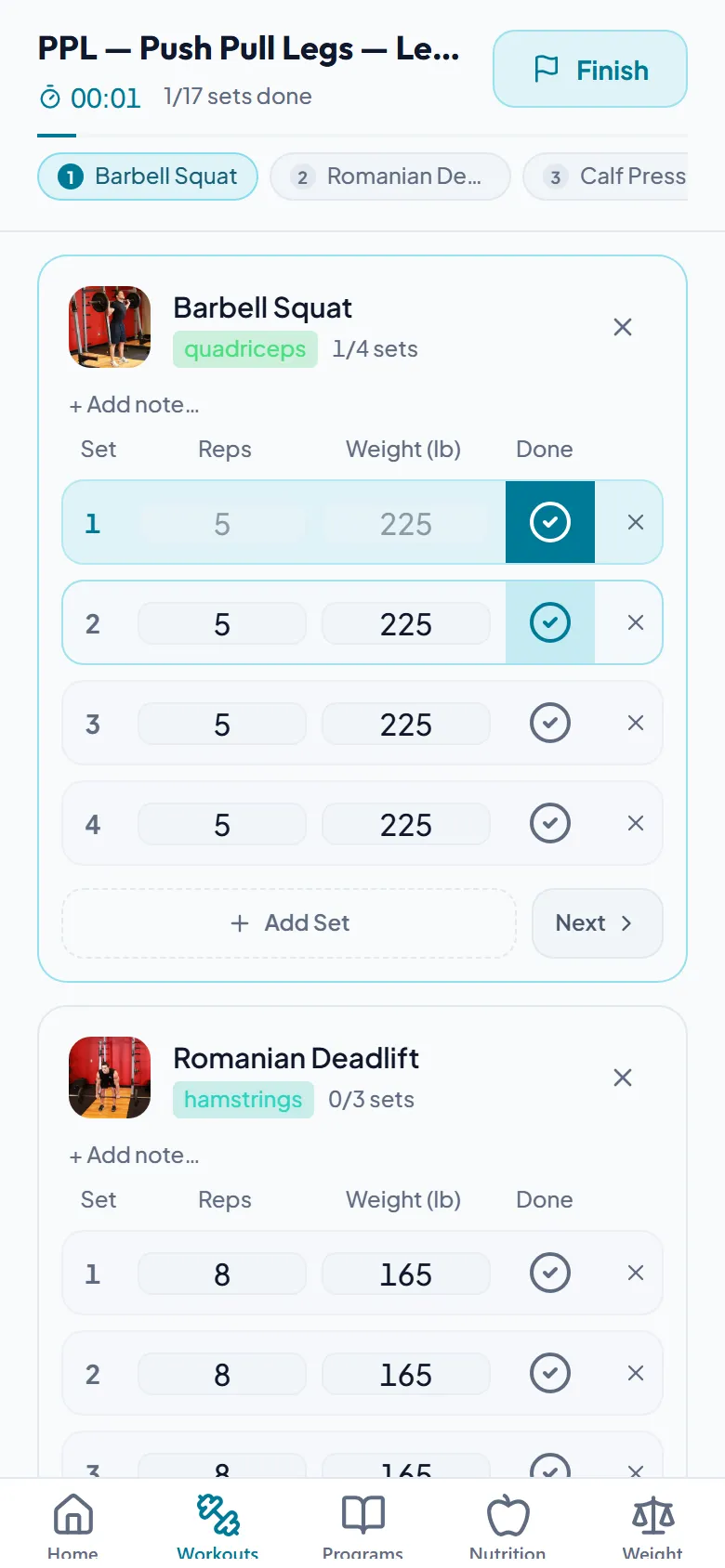
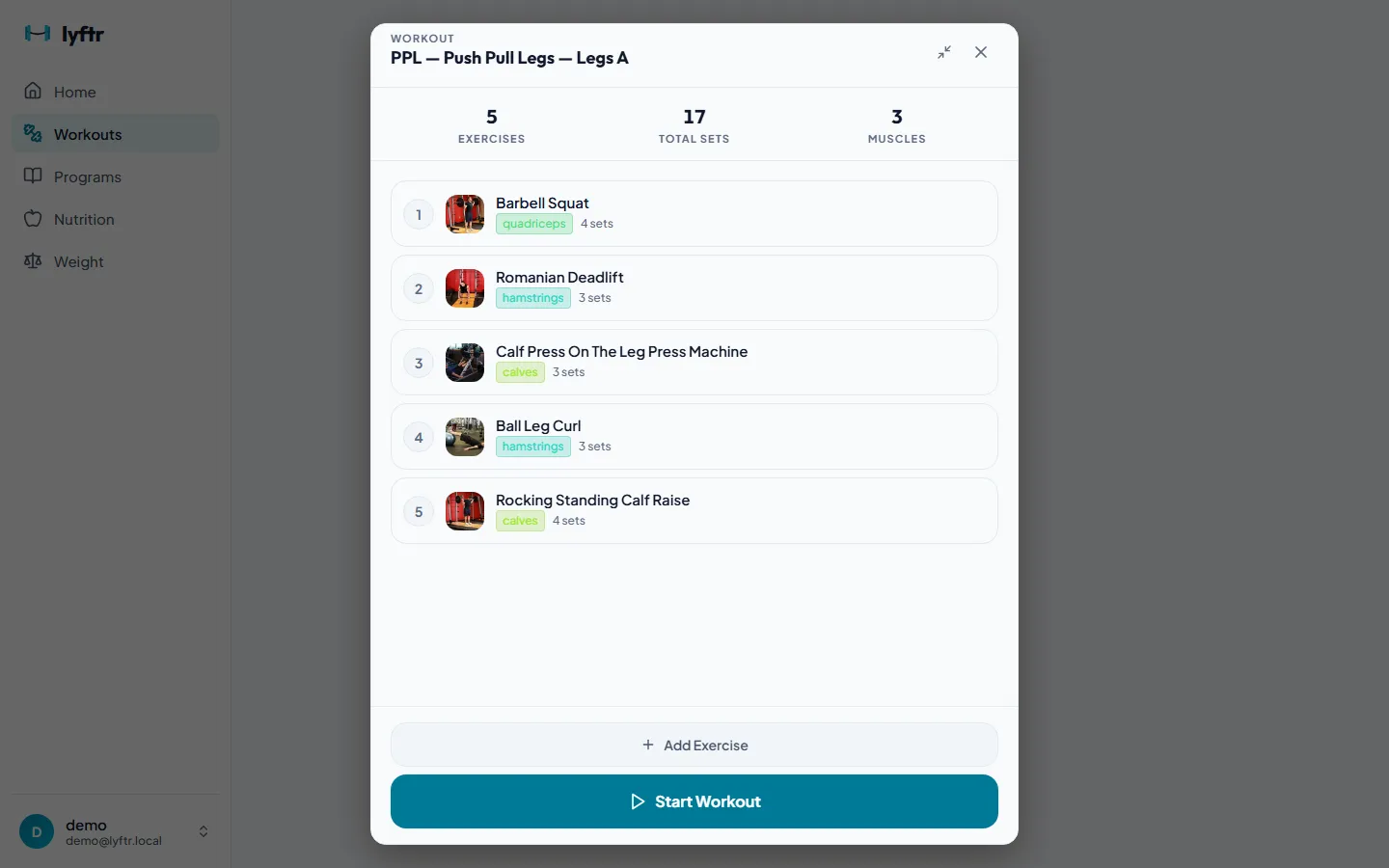
Build reusable programs with target sets, reps and weight per day. Lyftr knows which day is next, starts it in one tap, and logs every set against the plan, with a rest timer between them.
Workouts, programs, nutrition and bodyweight in one app — in any browser, desktop or phone, and on Android. A free, no-subscription alternative to Hevy and Strong that keeps your data on your server.
One tap to sign in — no account needed. Or use
demo@lyftr.local /
password123 · resets hourly
The web app your server hosts and the Android app are the same code, so what you see on the desktop is what you get at the gym.
01 · Plan
Build reusable programs with target sets, reps and weight per day. Lyftr knows which day is next, starts it in one tap, and logs every set against the plan, with a rest timer between them.
02 · Lift
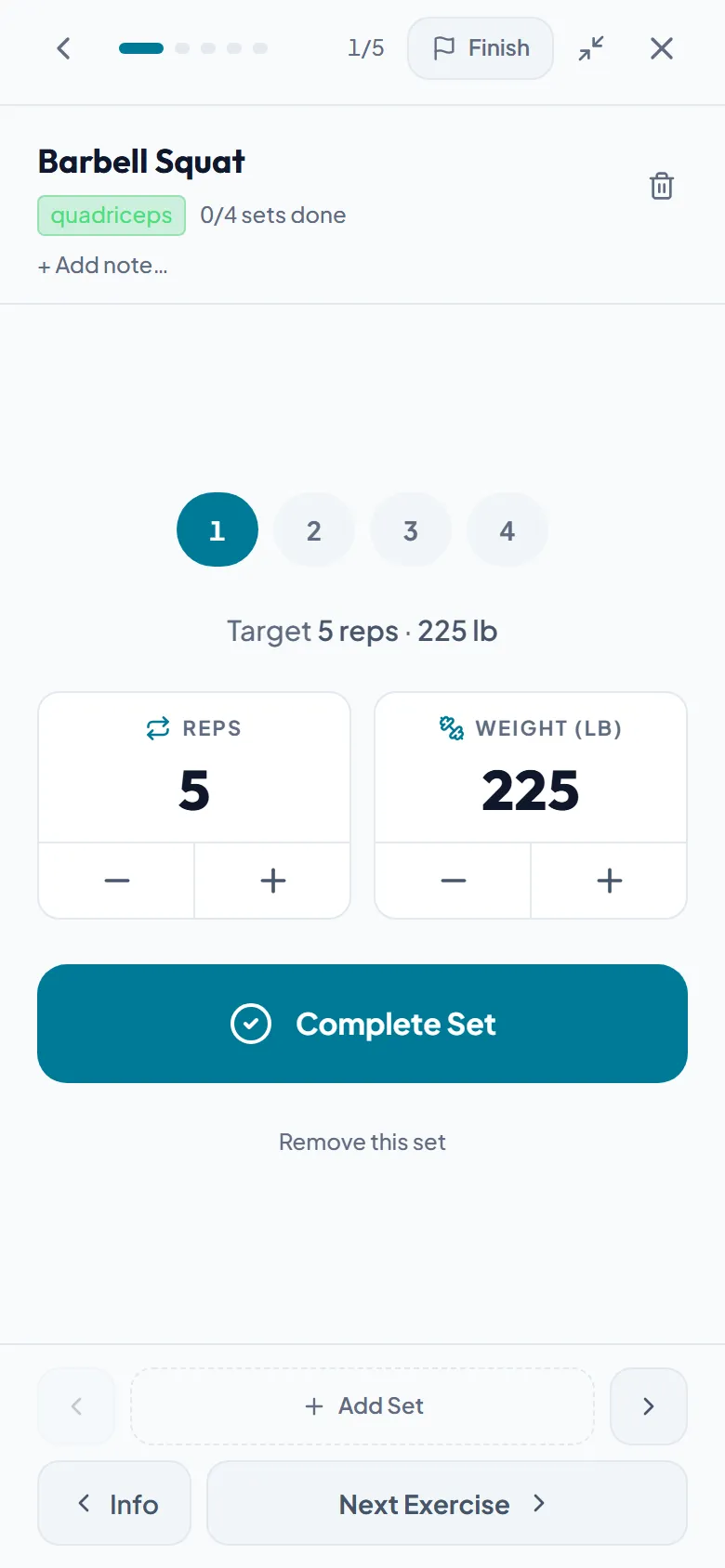
Switch the active workout to Gym Mode and Lyftr shows one exercise at a time with large steppers and a single Complete Set button. Full screen on a phone, a focused dialog on a desktop.
03 · Progress
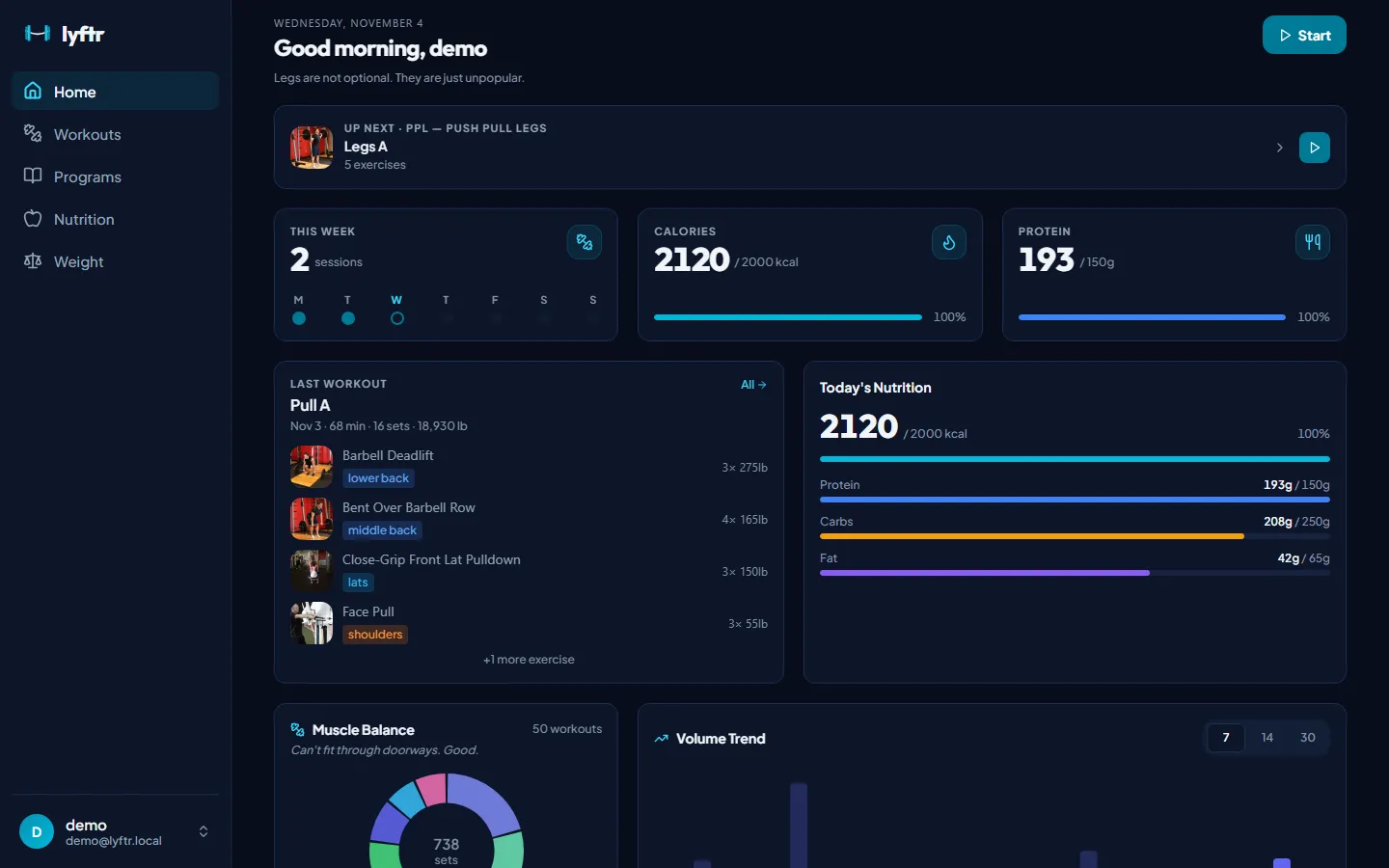
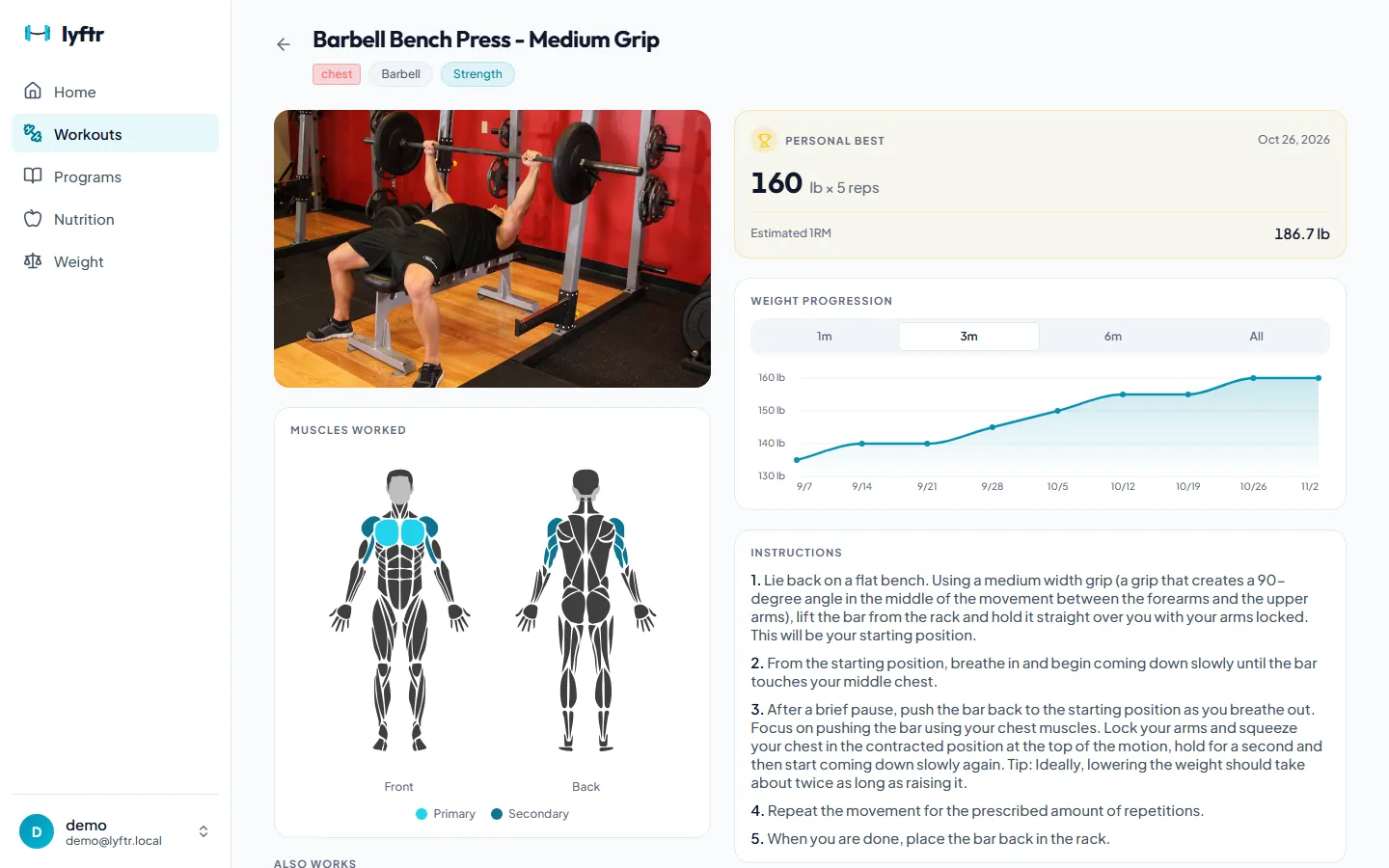
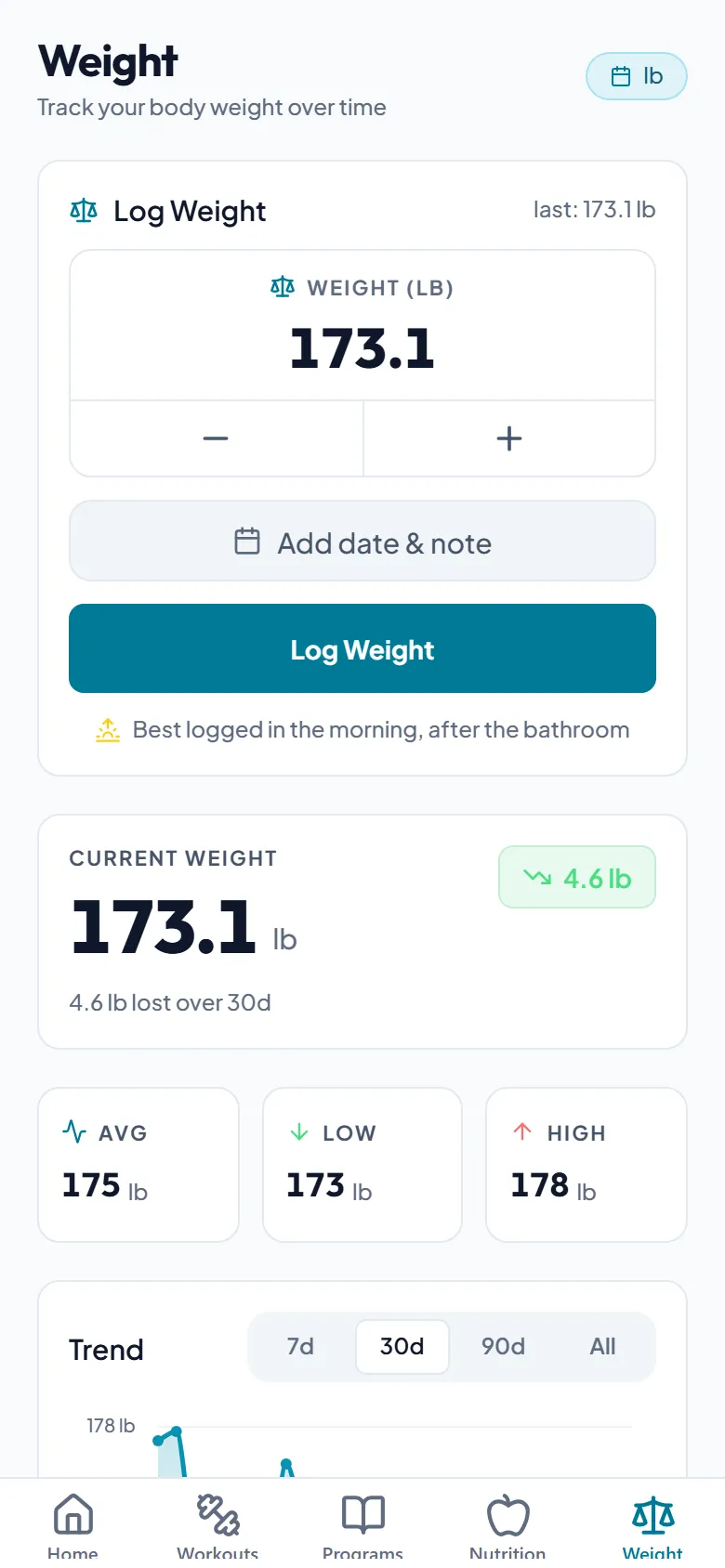
Each exercise page shows its photo, instructions, the muscles it works, your personal best and a weight-progression chart. The dashboard tracks volume, muscle balance, bodyweight and a 12-week consistency heatmap.
04 · Eat
Log meals against your own calorie and macro targets. Search foods or scan a barcode (via Open Food Facts), and watch your macros over 7, 30 or 90 days.
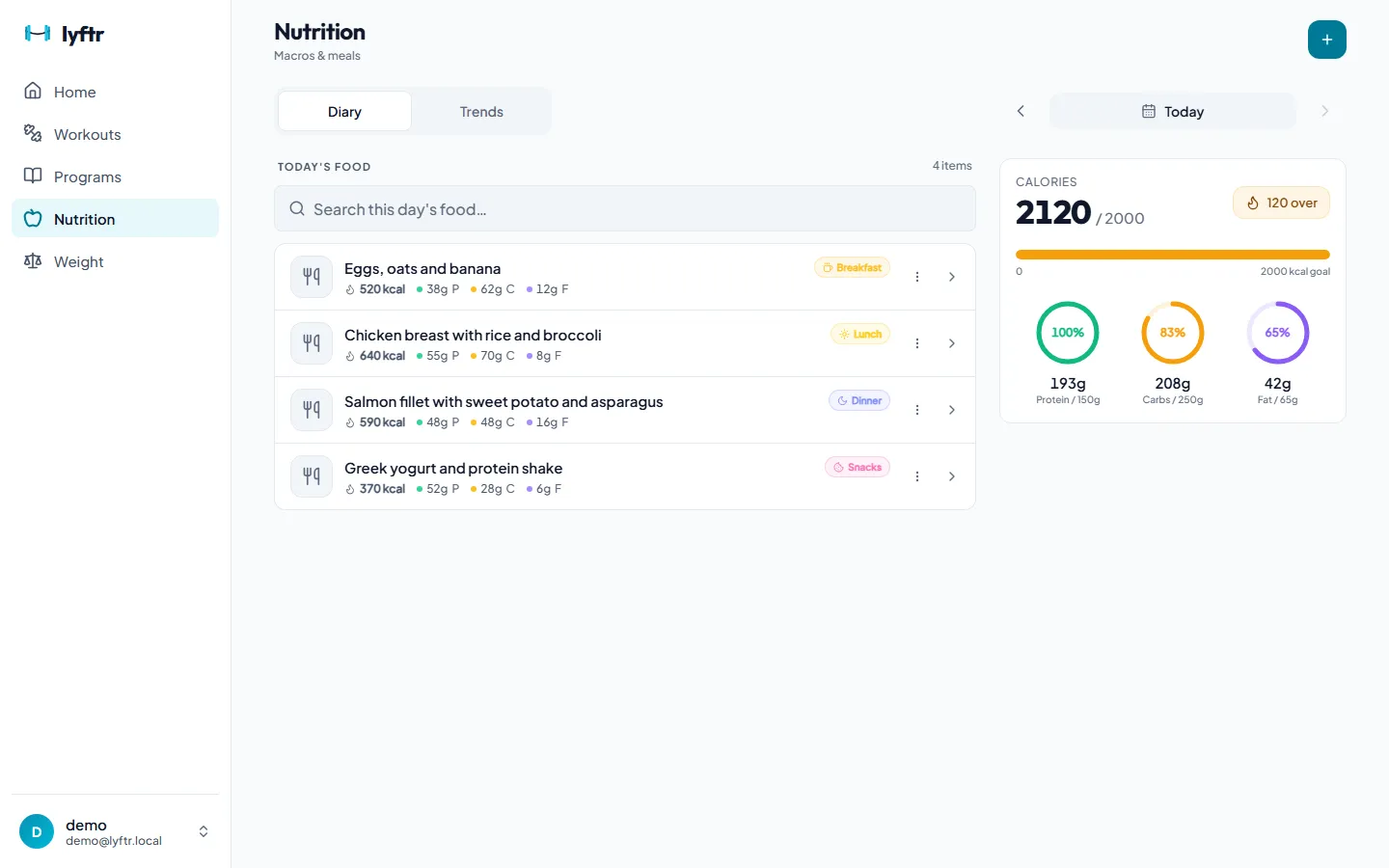
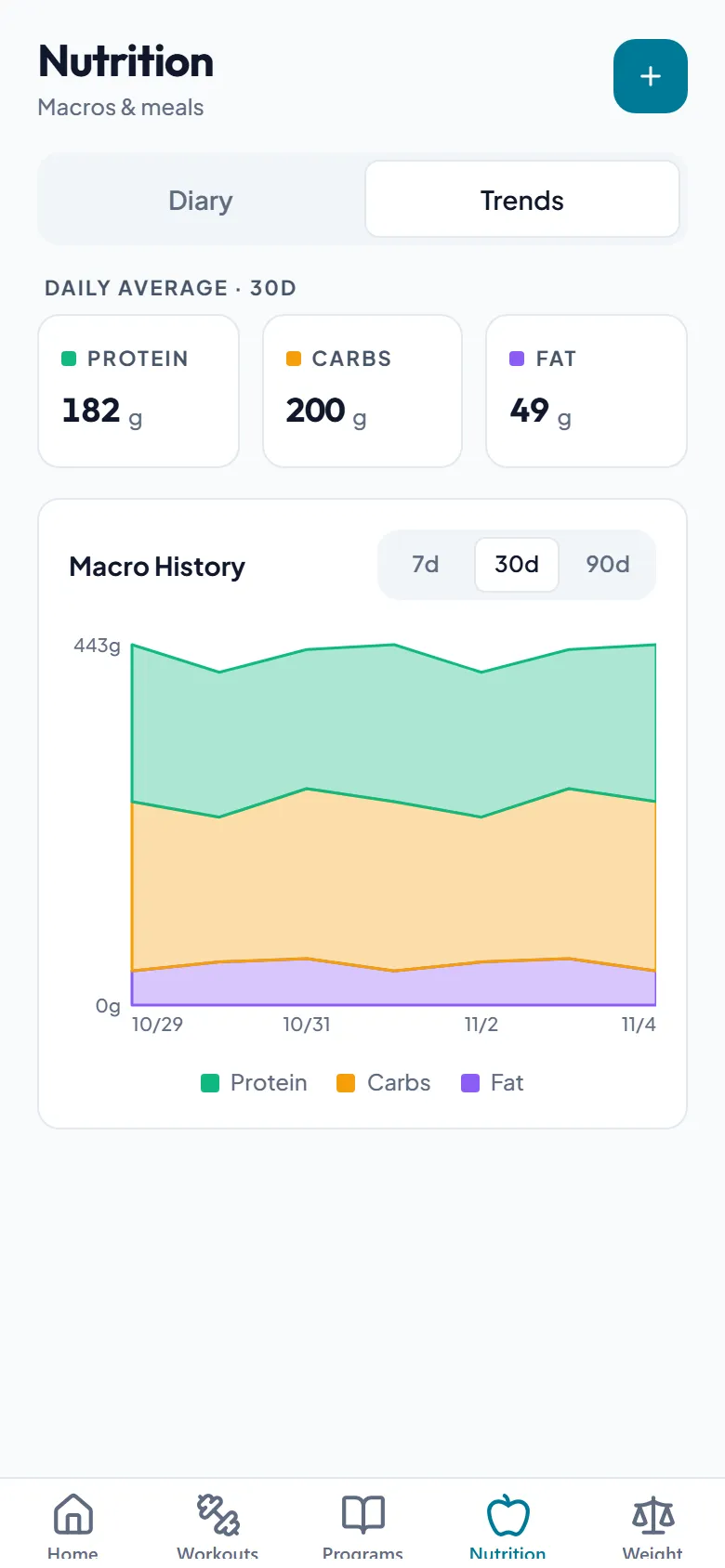
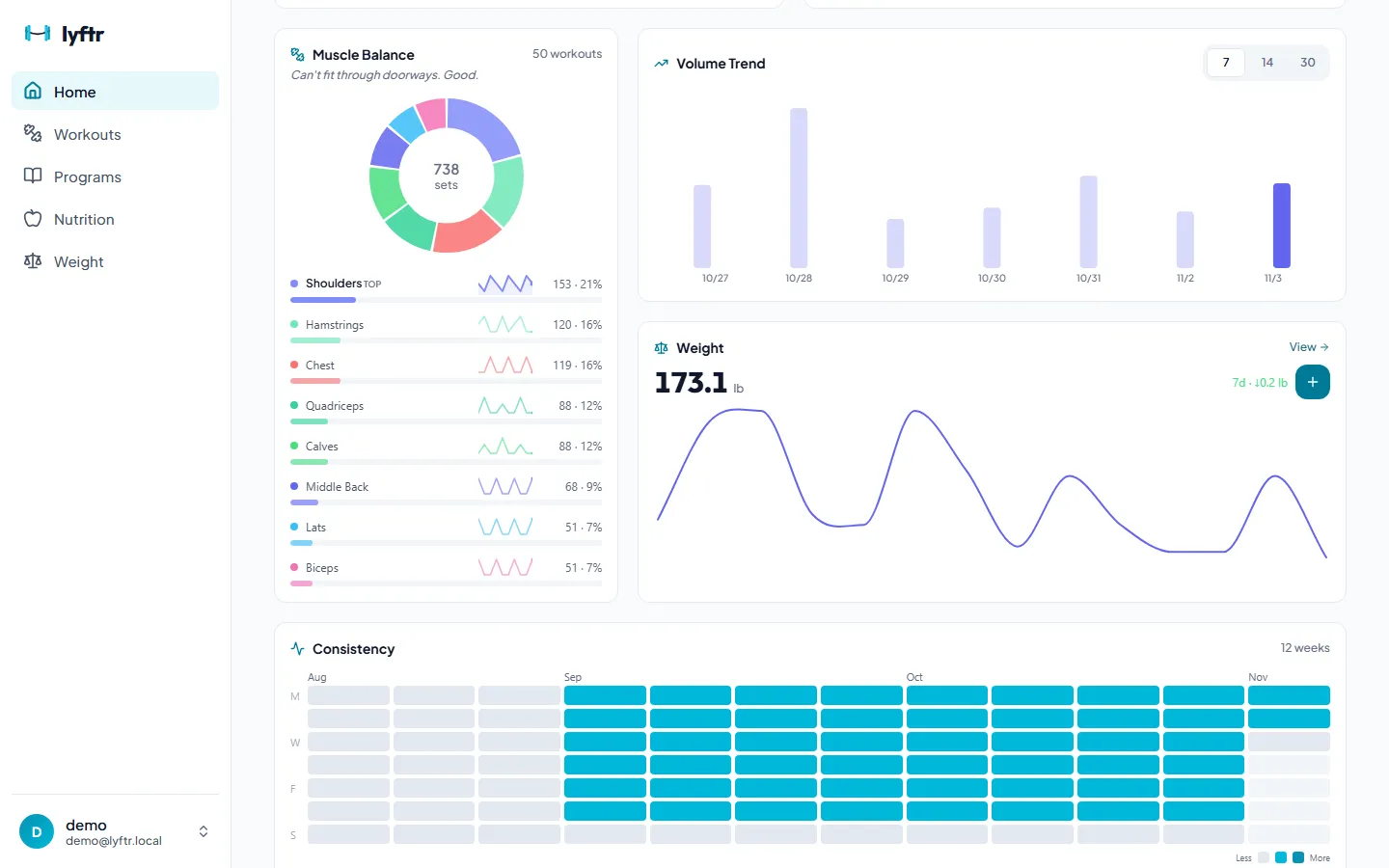
The dashboard on desktop: muscle balance, volume trend, bodyweight and twelve weeks of consistency.
Your logs never leave your server. No cloud account required.
No black box. Read it, fork it, audit it, extend it.
No subscription and no paywalled features.
Everything lives in one SQLite file you fully control. Backing up is copying it.
No clone. No build. No Go install. Just Docker.
curl -o docker-compose.yml https://raw.githubusercontent.com/Cawlumm/lyftr/main/docker-compose.yml
curl -o .env https://raw.githubusercontent.com/Cawlumm/lyftr/main/.env.example

# set JWT_SECRET in .env to a long random string (openssl rand -hex 32), then:
docker compose pull && docker compose up -d
Then open http://localhost and create your account.
Full guide in the self-hosting docs.
Runs on
Images for amd64, arm64 and armv7 · a single SQLite file · no external database.
Try the demo now, or deploy your own instance in a couple of minutes.